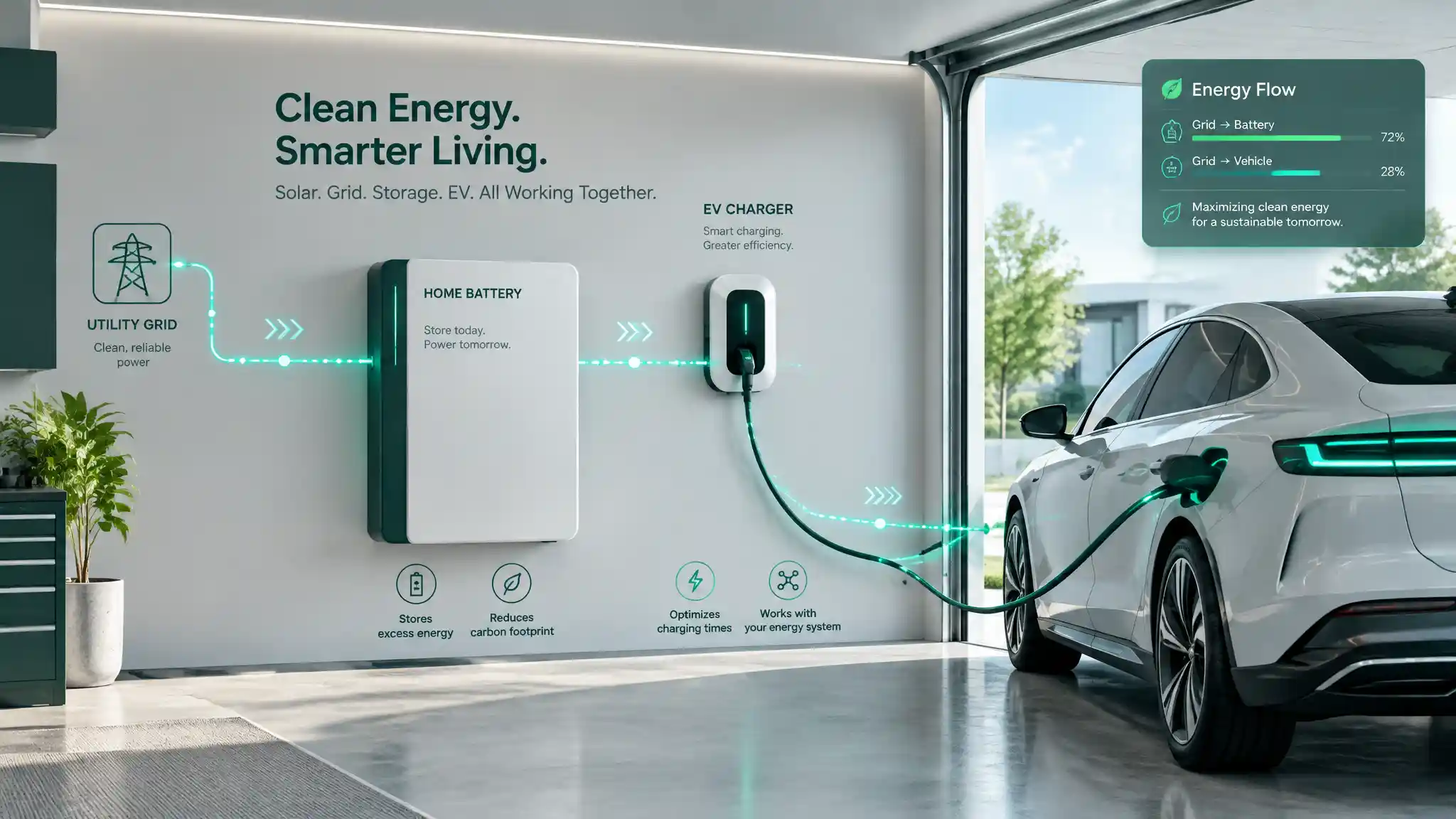
Octopus Intelligent Go is sold as an EV tariff. That undersells it badly.
Yes, it exists to charge your car overnight at a flat, rock-bottom rate. But the fixed six-hour cheap window — typically 23:30 to 05:30 — is really a standing offer: six hours of near-free grid electricity, every single night, whether or not your car needs it. Treated properly, that's not an EV perk. It's a power source for your whole low-carbon home.
This guide goes beyond "set a car charging schedule." It's about optimising Octopus Intelligent Go with real automation — wiring your home battery and heat pump directly into the tariff's live state, so they react the instant cheap power appears rather than guessing at a timer.
Setting the Baseline: How Intelligent Go Works in 2026
Two things happen on this tariff, and only one of them is fixed.
- The standard cheap window — 23:30 to 05:30 — is guaranteed every night, tariff terms unchanged since launch.
- Dynamic slots are additional cheap periods Octopus grants outside that window, whenever your car (or, functionally, your account) needs extra charge and grid conditions allow it. These can land in the afternoon, early evening, or extend the morning window by an hour or two.
This is exactly why manual scheduling falls short. A crontab-style timer set for 23:30–05:30 will faithfully run your battery charge every night — and miss every single dynamic slot Octopus grants on top. You're leaving free electricity on the table because your automation doesn't know the tariff's actual state, only the clock.
The Hub: Octopus Intelligent Go Home Assistant Integration
The fix is to stop scheduling and start reacting. Home Assistant is the natural hub for this, because it can hold a live connection to your Octopus account and expose the tariff's real-time state as entities every other automation can read.
Octopus Intelligent Go Home Assistant integration is handled by the community-maintained Octopus Energy integration (installed via HACS). Once configured with your account's API key and MPAN/MPRN details, it exposes a set of entities specific to Intelligent Go, including:
- binary_sensor.octopus_energy_intelligent_slot — the critical one. State is
onwhenever you're inside a cheap slot right now, fixed or dynamic. - sensor.octopus_energy_intelligent_current_state — reports what your car/charger is actively doing (smart-charging, boosting, etc).
- sensor.octopus_energy_electricity_*_current_rate — your live import rate, useful for logging and cost dashboards.
That single binary sensor is the whole trick. Every automation below triggers off its state changes — not the clock.
Automation 1: Syncing a GivEnergy Battery to Dynamic Slots
GivEnergy battery Octopus Intelligent Go coordination is the highest-value automation on this list, because a home battery can absorb an entire cheap slot's worth of energy and redeploy it all day.
The logic is simple in principle:
- When binary_sensor.octopus_energy_intelligent_slot turns on, send a command to the GivEnergy inverter to enter Force Charge mode, pulling from the grid at maximum rate regardless of solar input or state of charge.
- When the sensor turns off, revert the inverter to its normal Eco / Self-Consumption mode, so the battery goes back to discharging for the house and holding solar priority.
GivEnergy's Home Assistant integration (or its local Modbus interface, for advanced users) exposes the inverter's charge-mode register as a controllable entity, so this is a standard state-trigger automation. In pseudo-YAML:
The same pattern works for Tesla Powerwall (via its local API integration) or Sunsynk inverters — only the entity IDs and mode names change. The trigger entity stays identical.
Automation 2: Thermal Mass Pre-Heating with Heat Pumps
Heat pump automation smart tariff logic needs more care than a battery. A heat pump's efficiency — its seasonal coefficient of performance (SCOP) — depends heavily on running steadily at a low flow temperature. Aggressive on/off cycling to chase cheap slots can quietly wreck that efficiency, costing you more over a season than the cheap electricity saves.
The safer strategy is thermal mass pre-heating, not on/off switching:
- During a confirmed cheap slot, raise the room setpoint or target flow temperature by 1–2°C above normal.
- Let the house's thermal mass — screed floors, internal walls, hot water cylinder — store that extra heat.
- Outside the slot, drop the setpoint back down. The building coasts on stored heat rather than the heat pump cycling off completely.
Critically, avoid hard on/off automations here. Use smooth modulation: a small setpoint offset via your thermostat's own API (Tado's climate.set_temperature service, Nest's equivalent, or direct Modbus register writes on systems like Vaillant or Daikin) lets the heat pump's own control logic ramp gently, rather than forcing a compressor restart.
Conclusion: The Effective Unit Rate Goal
None of this changes your tariff's headline rate. What it changes is your effective unit rate — the blended cost per kWh across your whole household once battery and heat pump load has been shifted almost entirely into cheap slots, fixed and dynamic alike.
Get the automations right, and that effective rate creeps close to the off-peak floor, not the account average. Get them wrong — a heat pump cycling hard, a battery force-charging into an already-full state of charge — and you add wear for no saving.
Bench-test every automation manually first. Trigger the entity state by hand, watch the inverter or thermostat respond, and only then let it run unattended overnight.